
№ 01— Meal Planner + Rezept‑Saver
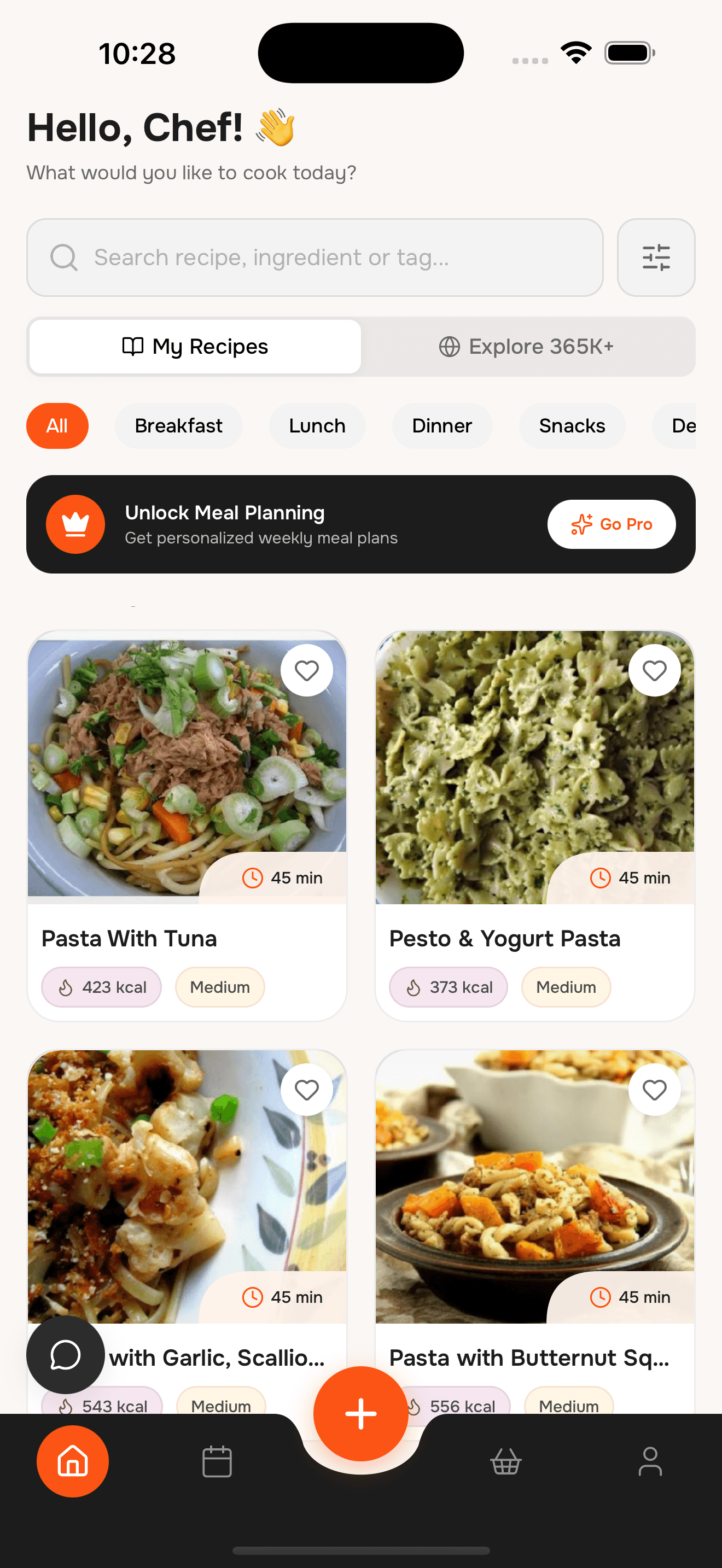
Meal Planner und Rezept‑Saver für die Woche
Rezepte importieren, Sammlungen anlegen und Plan plus Liste an einem Ort behalten.
Plane, speichere und erstelle Listen in Minuten.
№ 02— What’s inside
Six things, in the order you’d use them
Nie wieder „Was gibt’s heute?“ Rezepte schnell finden mit Filtern nach Mahlzeit, Zeit und Ernährung.


№ 03— Import
From saved post to saved recipe in seconds
Paste a link or share straight from the app you found it in. WhatToCook reads the ingredients, steps and servings, and files it as a proper recipe card.

№ 04— Plan
Macros visible, week organized
Drag saved recipes onto days, or let the assistant fill the gaps around what you already have. Totals update as you go, per serving.

№ 05— Shop
One list, duplicates merged
Every ingredient in the plan, added up once and grouped by aisle. Share it with whoever is closest to the shop, or print it for the fridge.

№ 06— So funktioniert’s
Importieren, planen, kochen
- ~2 min
Rezepte speichern
Importieren, teilen oder scannen.
- ~3 min
Woche planen
Mahlzeiten in den Kalender ziehen.
- ~1 tap
Einkaufsliste nutzen
Liste aus dem Plan erstellen.
Was ist WhatToCook?
Ein Meal Planner und Rezept‑Saver mit Einkaufslisten‑Funktion.
Kann ich Rezepte importieren?
Ja. Von Websites oder über Instagram und TikTok.
Wird die Liste automatisch erstellt?
Ja. Sie wird aus dem Plan erzeugt und kombiniert.
Kann ich Favoriten speichern?
Ja. Sammlungen und Favoriten sind verfügbar.
Ist die App kostenlos?
Die Basisfunktionen sind kostenlos.
№ 08— Reservation
Meal Planner + Rezepte in der Tasche.
WhatToCook herunterladen und schneller planen.
- Table for
- your whole household
- Cover charge
- Free to start